
Open Source Claude Code Alternative
Open Source Coding Agent for FREE

Today, I was exploring the alternative for Claude code cli tool, where I can use my local LLMs for AI coding. As we know, Claude code costs a lot, and it is better to use open source tools to save some bucks. I got to know about the OpenCode, which is a great tool for coding with AI. Here are some great features that I like most about OpenCode.
Providers support
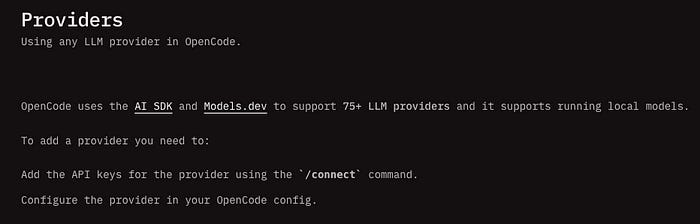
OpenCode provides support for multiple llm providers, where we can configure and use almost all (75+) LLM providers in one place. They are using AI SDK and Models.dev to support the LLM providers. We have to use /connect command to configure the new provider.
Multiple Interface
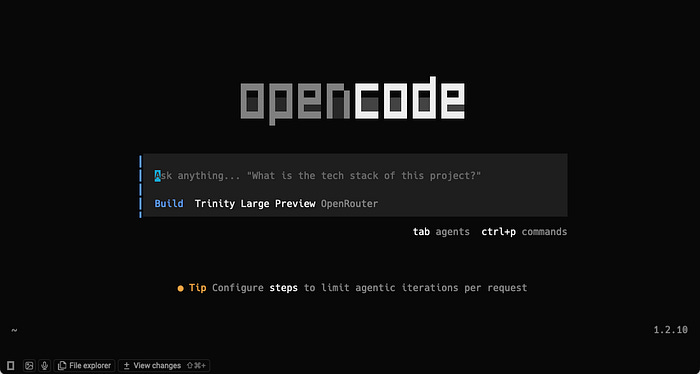
OpenCode also supports multiple interfaces to interact with it, like CLI (command line interface), web interface, and a desktop app. I prefer to use the CLI app because I was already using the Claude code before, and that only supports cli interface.
MCP Servers
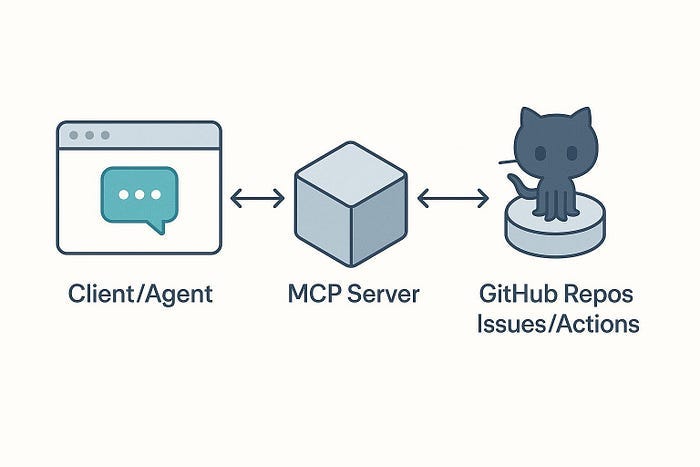
We can also connect the external tools using MCP (Model Context Protocol), which is a great way to enhance the existing functionality of the OpenCode. This provides support for local and remote MCP servers. We can use multiple types of MCP servers to make our tasks easier, such as calling APIs, getting weather info, using Gmail, and using Google Drive.
Skills
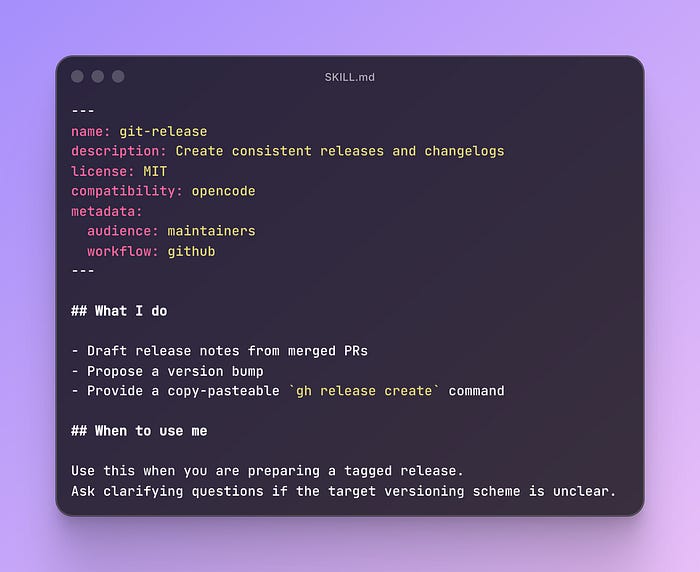
OpenCode supports skills, which means you can configure reusable instructions from your code repo or from your local machine. These can be loaded on demand as per the requirement using their in-built skills agent. We can use them in multiple ways, like code formatting, reviewing code, writing test cases, etc.
How to use it for free?
If you want to use it for free, you have to set it with openrouter which provides a large number of free models. To configure it, run the opencode web command to open it on web > settings > providers and paste your api from OpenRouter. You can also use a large number of llm models from OpenRouter, which is a kind of one-stop solution for all llm models.
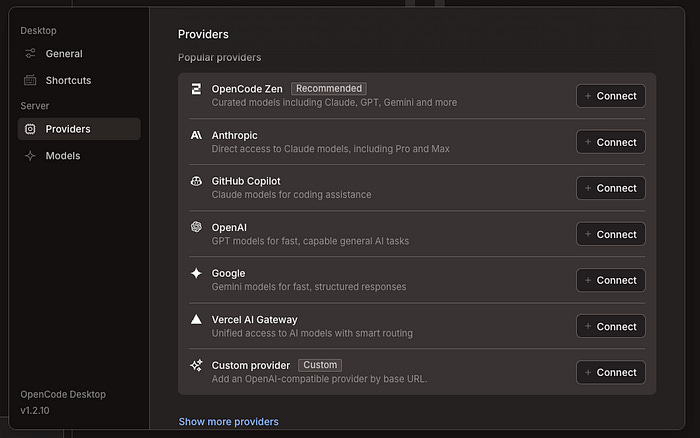
Overall, I found OpenCode very useful. You must give it a try; it will definitely help you to boost your productivity.
Thank you for taking the time to read this article! If you found it helpful, a couple of claps 👏 👏 👏 would be greatly appreciated — it motivates me to continue writing more.
Subscribe to my Newsletter.
The OpenRouter free tier tip is solid. One thing worth adding: model quality through OpenRouter can vary a lot depending on which provider they route to. For anything serious I have ended up on Synthetic.new. Better tool-calling reliability on the open-source models, especially Kimi K2.5. Wrote up a full guide from install to production workflows if you want more config depth: https://reading.sh/the-definitive-guide-to-opencode-from-first-install-to-production-workflows-aae1e95855fb